
Music Bot (Lavalink)
A full-featured music bot: queue, loop, filters, lyrics, playlists, radio and 70+ slash commands. Pairs with our one-click Lavalink.

About
Setup guide
Contents
A full-featured music bot for your server: play, queue, skip, loop, shuffle, filters, lyrics, playlists, radio, a now-playing panel with buttons, and more than 70 slash commands. It streams through Lavalink, the audio server most music bots use.
1. Deploy a Lavalink server first
Create a New deployment > Services > Lavalink. Open it and note three things from its page: the host, the port and the password (LAVALINK_SERVER_PASSWORD in its Environment tab). Start it.
2. Create the bot on Discord
- Open the Discord Developer Portal and click New Application.
- Go to Bot, click Reset Token and copy it (
DISCORD_TOKEN). - Still on Bot, turn on Server Members Intent and Message Content Intent.
- Go to OAuth2 > URL Generator, tick
botandapplications.commands, give it Connect, Speak, Send Messages and Embed Links, then add it to your server.
3. Deploy
Fill in your token, your user ID and the three Lavalink values, then click Deploy. The first start compiles the bot, it takes about a minute.
4. Play music
Join a voice channel and type /play followed by a song name. Try /queue, /skip, /loop, /filter and /lyrics. Type /help for every command.
Good to know
- Searches go through SoundCloud by default, so it works out of the box. You can also paste SoundCloud, Bandcamp, Twitch or direct audio links.
- The bot keeps its data (playlists, settings) in a local JSON file. MongoDB, MySQL and PostgreSQL are supported too, see the project README.
- Needs at least 768 MB of RAM: the first start compiles the bot. Adjust it from your plan if your deployment is smaller.
README.md
Contents
English | Hindi (India) | Português (Brasil) | Tiếng Việt | ภาษาไทย

ByteBlaze
A versatile and powerful music bot for Discord that brings rhythm and melody to your server!
Invite Dreamvast ♫
·
Report Issues & Give Suggestions
·
Support Server
💎 Features
- TypeScript Language To Avoid Errors In Production
- Advanced Music System With Buttons
- Song Request Channel
- 24/7 Mode
- Multi Language
- Slash Commands
- Custom Filters
- Playlist System
- Premium System (Guild / User)
- Play Song Using File
- Cooldown System
- Shard System
- Auto Reconnect
- Auto Pause/Resume
- Auto Complete Search
- Auto Fix Lavalink From lavalink.darrennathanael.com
- Support lavalink v4, v3 and nodelink v2
🎶 Supported Sources
| Music Source | Without Lavalink Plugin | With Lavalink Plugin |
|---|---|---|
| YouTube | ✅ | ✅ |
| SoundCloud | ✅ | ✅ |
| (LS) Spotify | ⚠️ | ✅ |
| HTTP | ✅ | ✅ |
| (LS) Deezer | ⚠️ | ✅ |
| Twitch | ✅ | ✅ |
| Bandcamp | ✅ | ✅ |
| Nicovideo | ⚠️ | ⚠️ |
| (LS) Apple Music | ⚠️ | ✅ |
| (LS) Yandex Music | ❌ | ✅ |
| (LS) Flowery TTS | ❌ | ✅ |
| (DB) Mixcloud | ❌ | ✅ |
| (DB) OC ReMix | ❌ | ✅ |
| (DB) Clyp.it | ❌ | ✅ |
| (DB) Reddit | ❌ | ✅ |
| (DB) GetYarn | ❌ | ✅ |
| (DB) Text to Speech | ❌ | ✅ |
| (DB) TikTok (BETA) | ❌ | ✅ |
| (DB) P**nhub (Not recommended) | ❌ | ✅ |
| (DB) Soundgasm | ❌ | ✅ |
- ✅ Full support with the default Lavalink configuration
- ⚠️ Supports but resolves from YouTube or SoundCloud only
- ❌ Unsupported
- (LS) Source from LavaSrc plugin
- (DB) Source from DuncteBot plugin
📂 Supported Databases
- MySQL
- MongoDB
- JSON
- PostgresSQL
🔉 Supported Lavalink/Nodelink version
| Type | Support versions | Driver Name |
|---|---|---|
| Lavalink | v4.0.0 - v4.x.x | lavalink/v4/koinu |
| Lavalink | v3.0.0 - v3.7.x | lavalink/v3/koto |
| Nodelink | v2.0.0 - v2.x.x | nodelink/v2/nari |
🖼️ Showcase
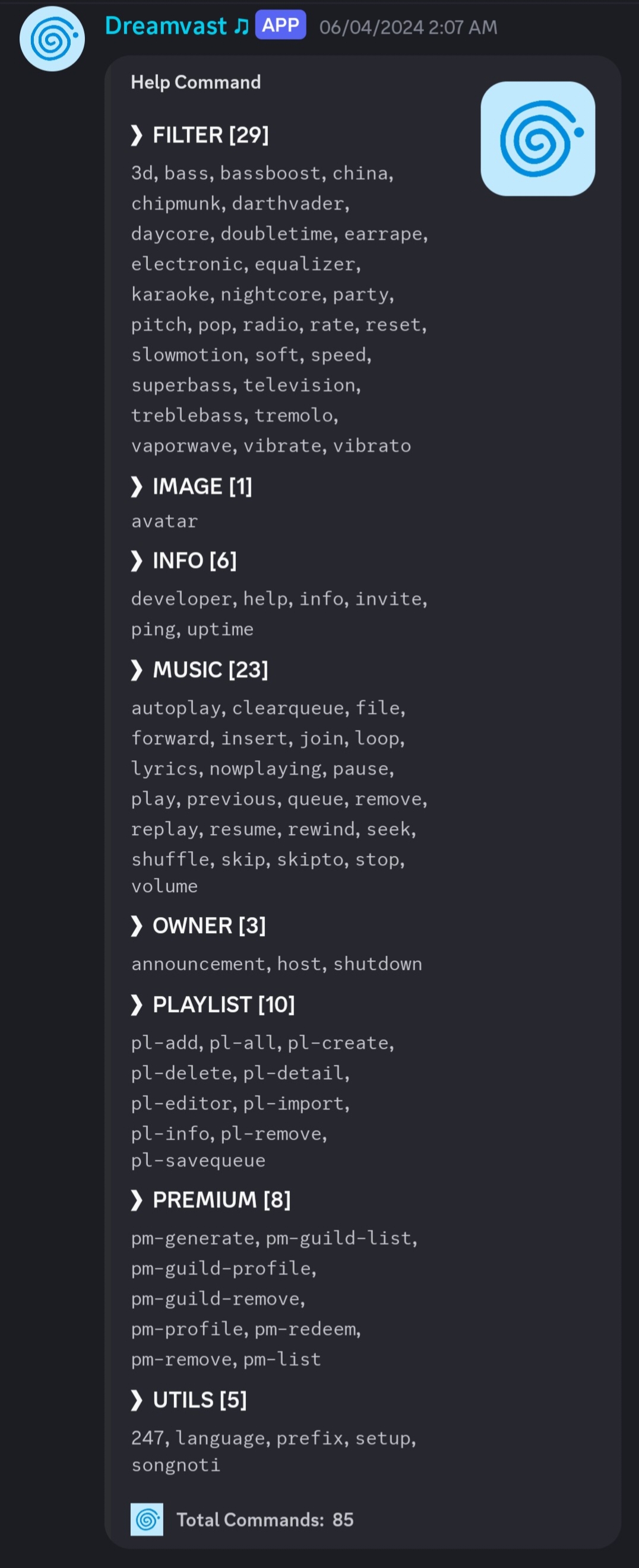
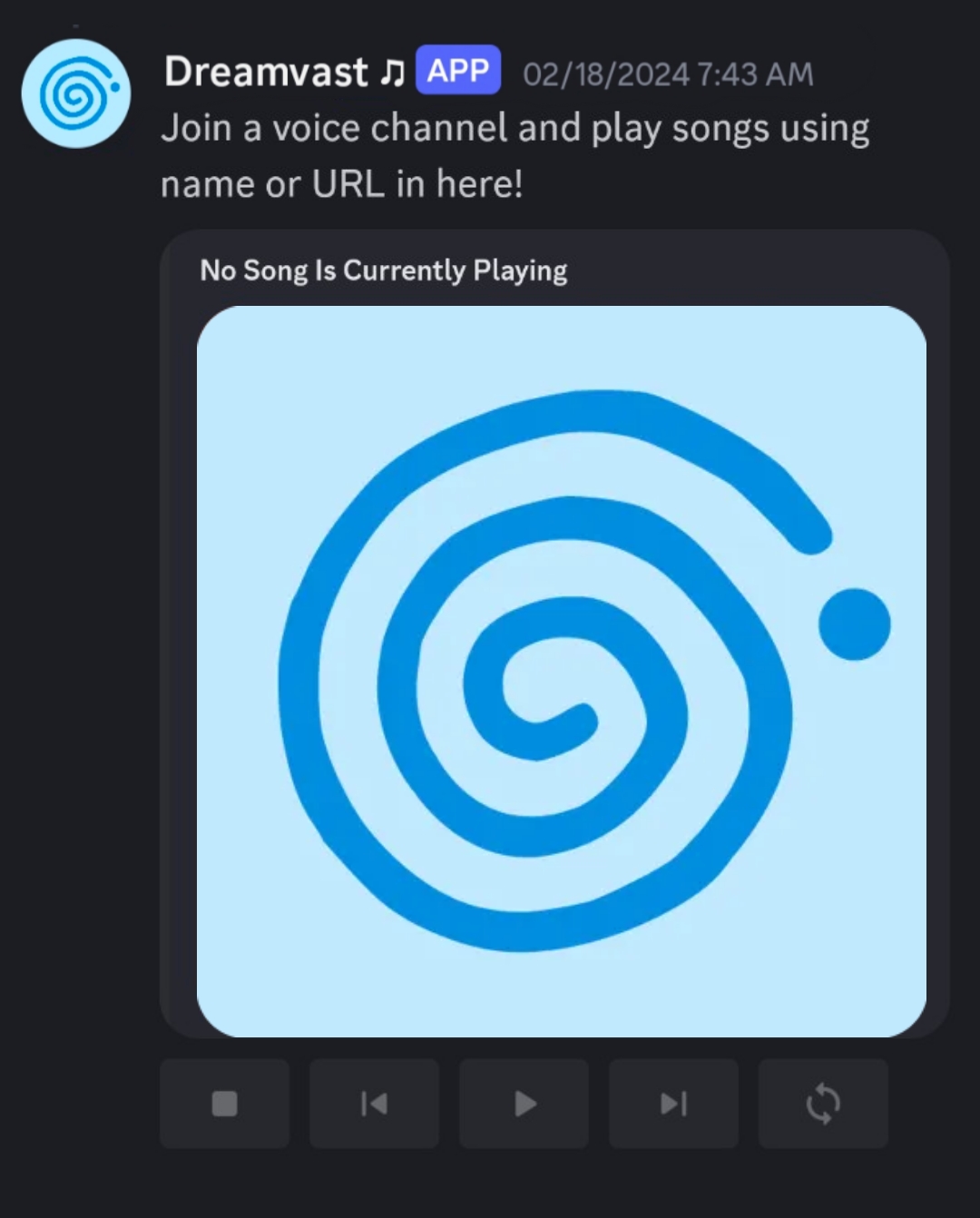
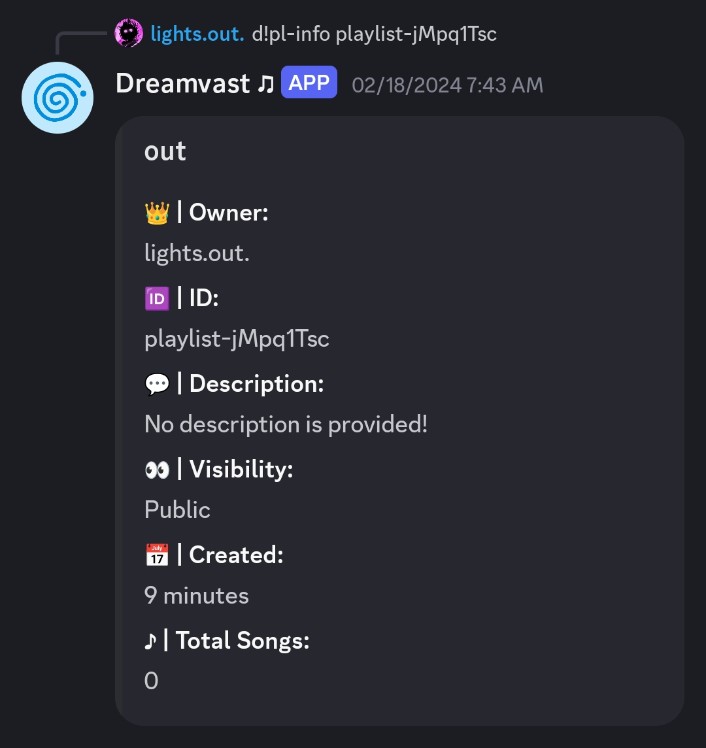
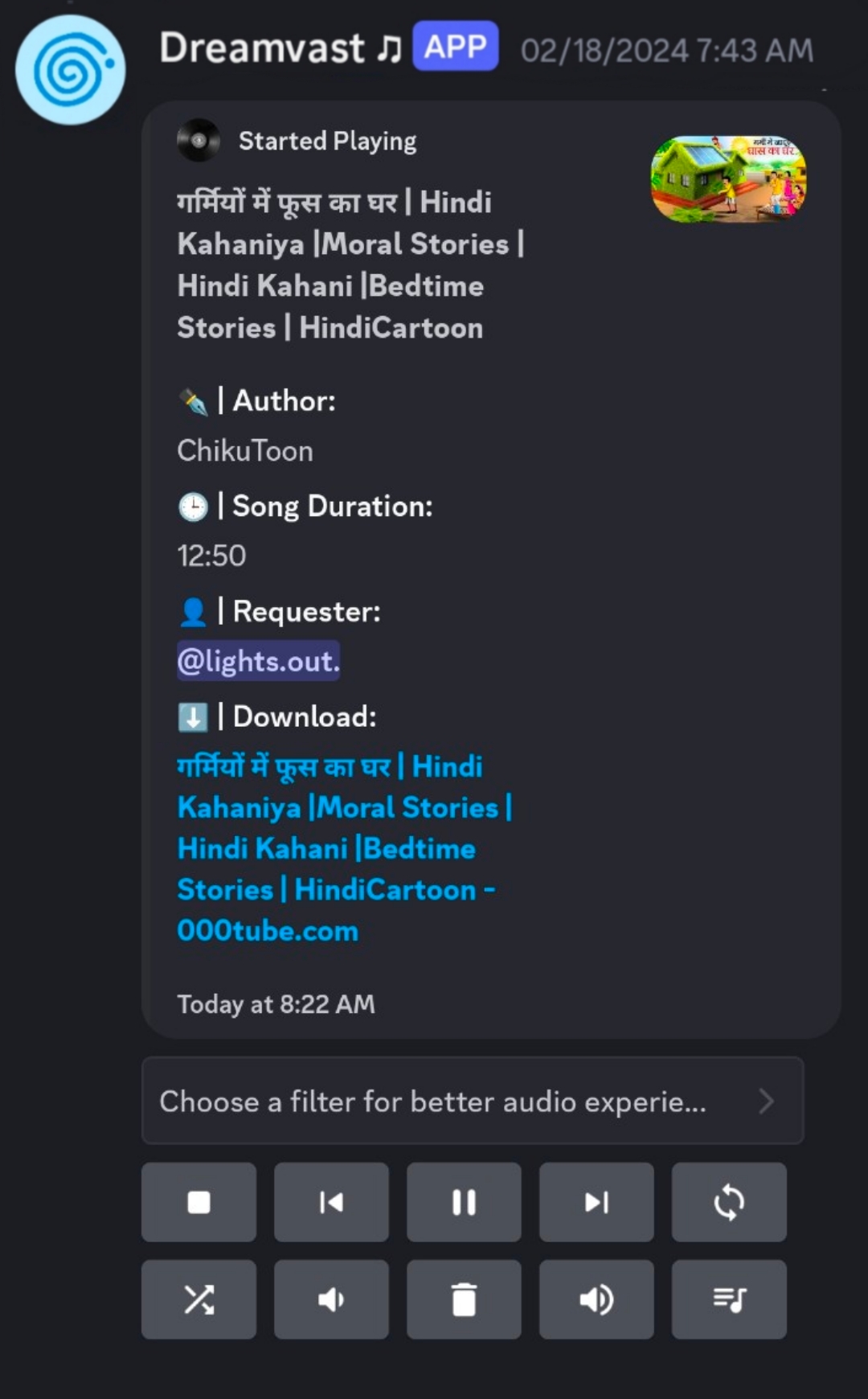
📋 Requirements
Node.js Version 18.0.0+ Download
Discord Bot Token Guide
Lavalink Version 3.7.0+ or 4.0.0+ Download
Git Download
🛠️ Installation
- Clone this repository using
git clone https://github.com/RainyXeon/ByteBlaze.git - run
cd ByteBlazeto go to the ByteBlaze folder. - Config files:
- Note: All type of config must fill
TOKEN,OWNER_IDandNODES - If you want to use default config and have minimal config, change the name of example.app.yml to app.yml
- If you want to use all config, change the name of example.full.app.yml to app.yml
- Note: All type of config must fill
- run
npm ito install the required packages. - run
npm run build:fullto build the bot. - run
npm startto start the bot. - Enjoy Listening To Music With ByteBlaze!

- Click Me and fork the repl.
- fill app.yml with
TOKENandNODES - Start the bot using the Run button.
- Enjoy Listening To Music With ByteBlaze!
⚙️ Guide
For advanced installation and config guide, please check out the Wiki tab or Click Here!
📜 Versioning Policy
ByteBlaze follows Semantic Versioning
The version number is composed of the following parts:
MAJOR breaking changes
MINOR new backwards compatible features
PATCH backwards compatible bug fixes
BUILD additional build metadata
PRERELEASE pre-release version
Version numbers can come in different combinations, depending on the release type:
`MAJOR.MINOR.PATCH` - Stable release
`MAJOR.MINOR.PATCH+BUILD` - Stable release with additional build metadata
`MAJOR.MINOR.PATCH-PRERELEASE` - Pre-release
`MAJOR.MINOR.PATCH-PRERELEASE+BUILD` - Pre-release additional build metadata
📃 Translate Team (Languages)
- en (English)
- @RainyXeon Discord:
rainyxeon
- @RainyXeon Discord:
- vi (Vietnamese)
- @RainyXeon Discord:
rainyxeon
- @RainyXeon Discord:
- hi (Hindi)
- @anas-ike Discord:
lights.out.
- @anas-ike Discord:
- ko (Korean)
- @EmuPIKin Discord:
emupikin
- @EmuPIKin Discord:
- ru (Russian)
- @AutoP1ayer Discord:
autoplayer.uwu
- @AutoP1ayer Discord:
- th (Thai)
- @SillyDark Discord:
defectsocute
- @SillyDark Discord:
- pt (Brazilian Portuguese)
- @psycodeliccircus Discord:
renildomrc
- @psycodeliccircus Discord:
- es (Spanish)
- @CodeFlow Discord:
codef1ow
- @CodeFlow Discord:
⁉ Become to translate team?
💫 Special Thanks
- @DarrenOfficial [Lavalink Sources]
- @PAINFUEG0 [My Friend]
- @Adivise [Inspiration]
- @brblacky [Inspiration]
- @mrstebo [env Praser]
- @ItzZoldy [Designer]
And Everyone who Starred and Contributed to My Project 💖
💫 Credits:
- @RainyXeon Discord:
rainyxeonAs an owner and a creator of this project
Variables
You fill these in when you deploy. They become environment variables of your deployment.
DISCORD_TOKENBot token Developer Portal > your app > Bot > Reset Token. required, secretOWNER_IDYour Discord user ID Right-click your name > Copy User ID (Developer Mode on). requiredLAVALINK_HOSTLavalink host Shown on your Lavalink deployment's page. requiredLAVALINK_PORTLavalink port Shown on your Lavalink deployment's page. requiredLAVALINK_PASSWORDLavalink password LAVALINK_SERVER_PASSWORD in your Lavalink deployment's Environment tab. required, secret
How to deploy it
- 1 Open the deploy pageName your deployment. You sign in when you confirm.
- 2 Fill in its variablesThe values the template asks for, stored as environment variables of your deployment.
- 3 Check your resourcesIt draws from your plan's shared pool, then launches. Every account starts free.