

Bot-Hosting.net is a hosting platform for Discord bots, Telegram bots, websites, APIs, scripts and databases, and it works with AI agents. Claude, ChatGPT, Cursor, VS Code with GitHub Copilot, Claude Code, Codex, Mistral Vibe, Grok and Devin Desktop can connect to a Bot-Hosting account and deploy, monitor, debug and fix what runs on it, through the official Bot-Hosting MCP server.
This post is the overview: which agents work, what they can do and how you stay in control. For a hands-on build from an empty account, read how to make a Discord bot with AI.
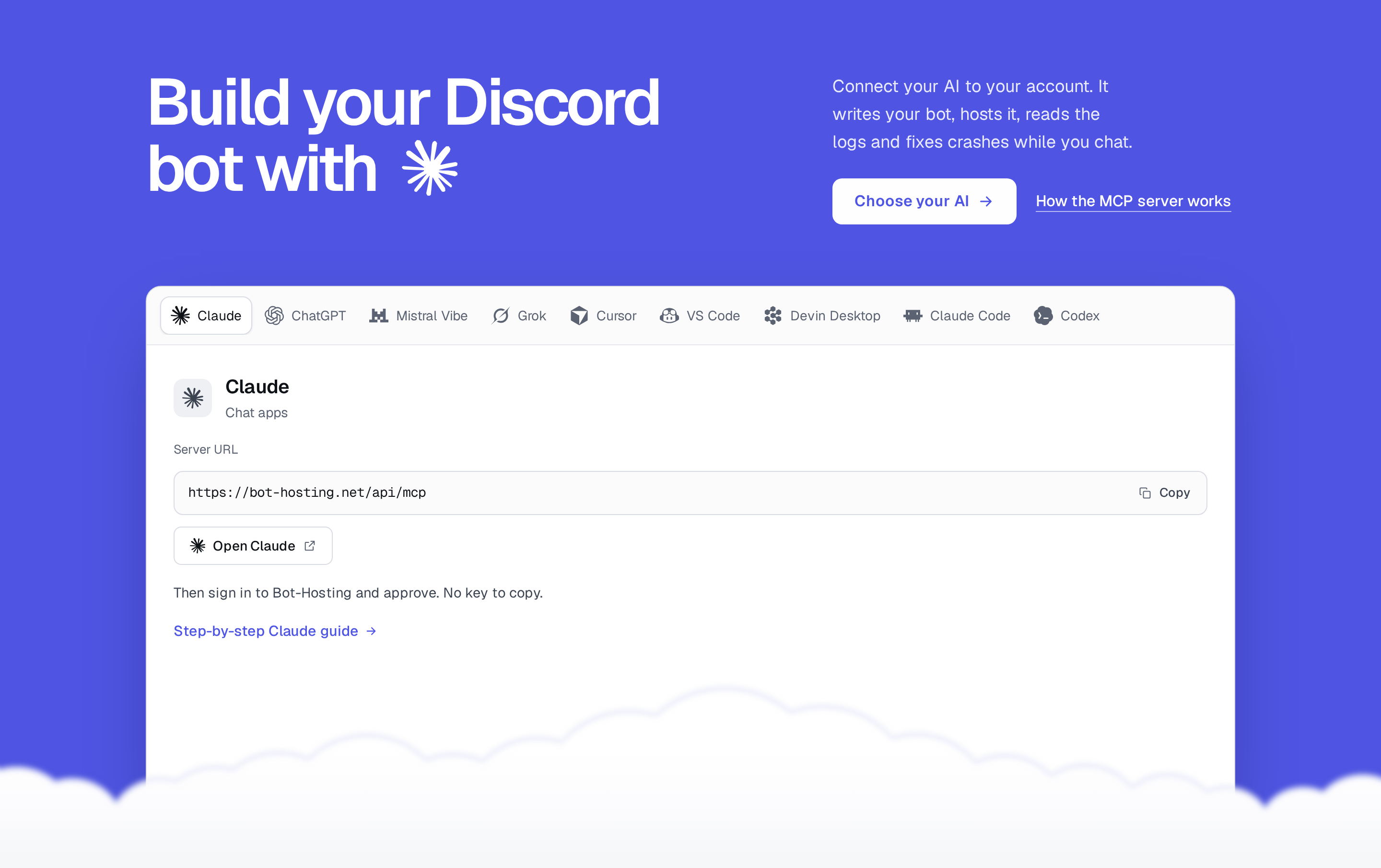
Connect an agent in three steps
- Create a free Bot-Hosting account. No card needed.
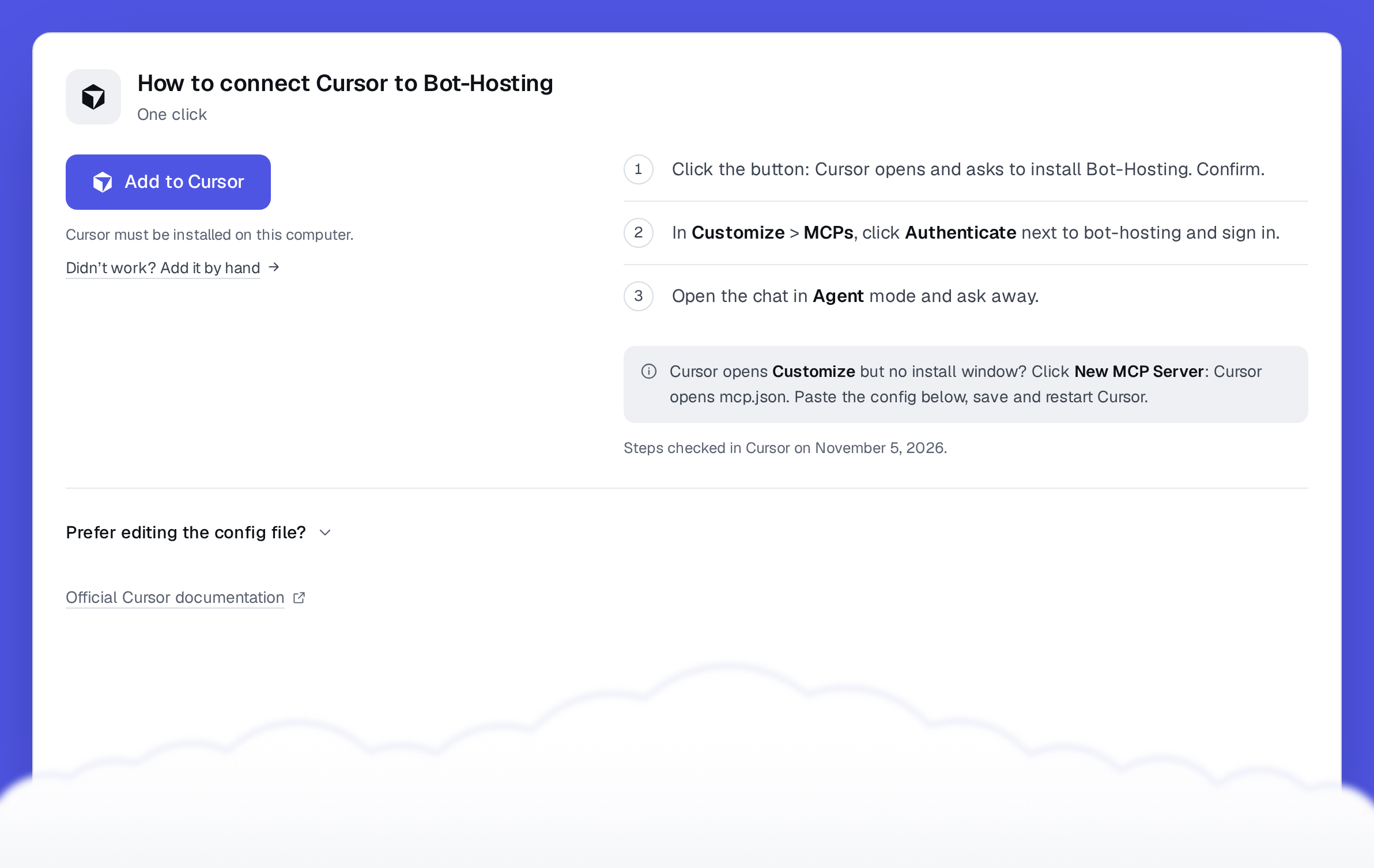
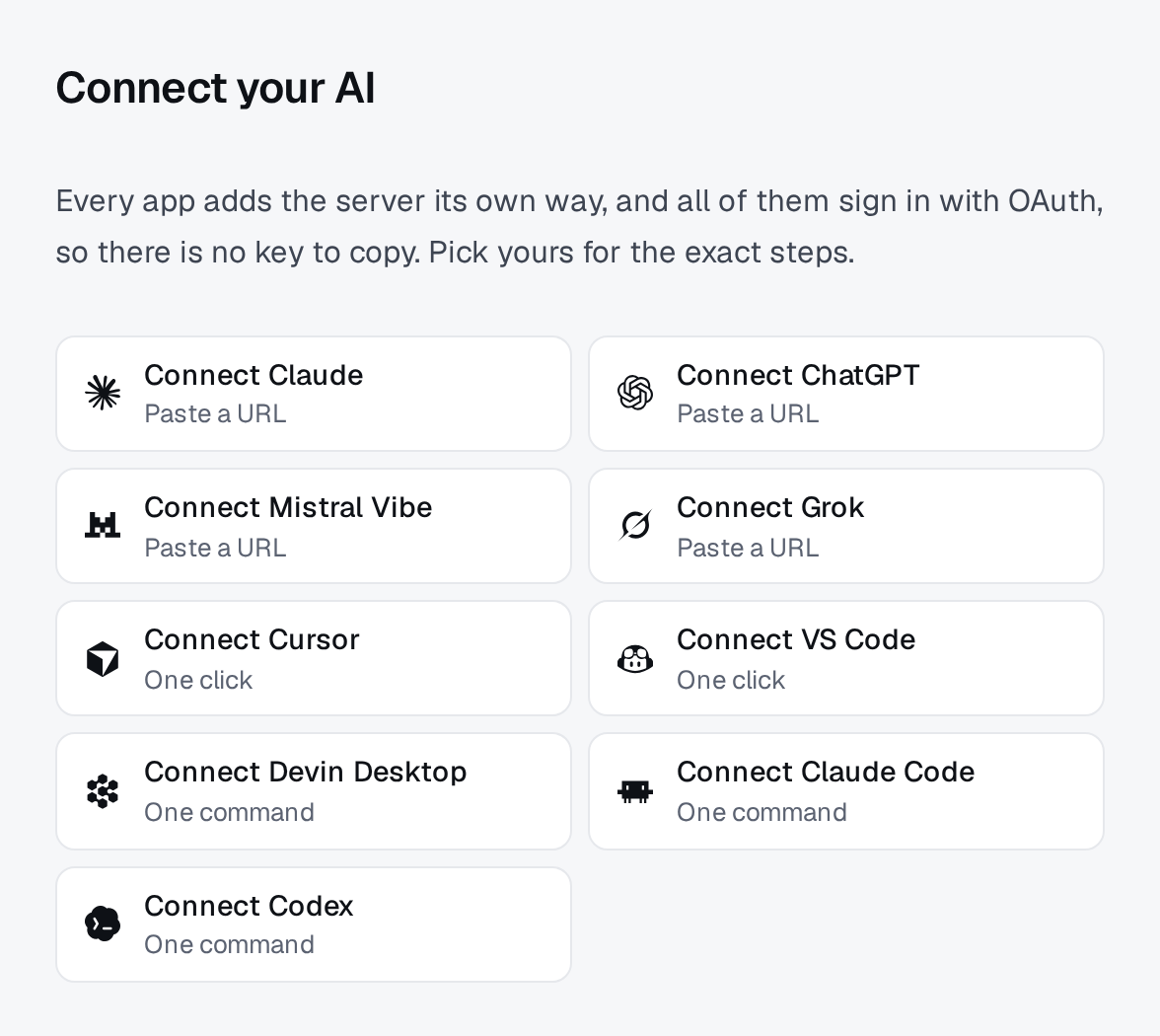
- Pick your app on the AI agents page. Chat apps take the server URL, Cursor and VS Code install in one click, terminal agents take one command.
- Sign in to Bot-Hosting when the app asks, and approve. Then try: “list my deployments”.
The facts in short
- MCP server:
https://bot-hosting.net/api/mcp(Streamable HTTP), documented on the MCP server page. - Sign-in: OAuth 2.1. You approve in your browser, there is no API key to copy. Scripts and older clients can use an API key instead.
- Tools: more than 70, one per operation of the REST API, the same API the dashboard runs on.
- Price: included in every plan, the free plan too.
- Control: you can revoke any app from your dashboard at any time.
Which AI agents work with Bot-Hosting.net?
| App | Kind | How it connects | Guide |
|---|---|---|---|
| Claude | Chat (web, desktop, mobile) | Custom connector with the server URL | Connect Claude |
| ChatGPT | Chat | Custom MCP plugin with the server URL | Connect ChatGPT |
| Mistral Vibe (formerly Le Chat) | Chat | Custom connector | Connect Mistral Vibe |
| Grok | Chat | Custom connector | Connect Grok |
| Cursor | Code editor | One-click install link | Connect Cursor |
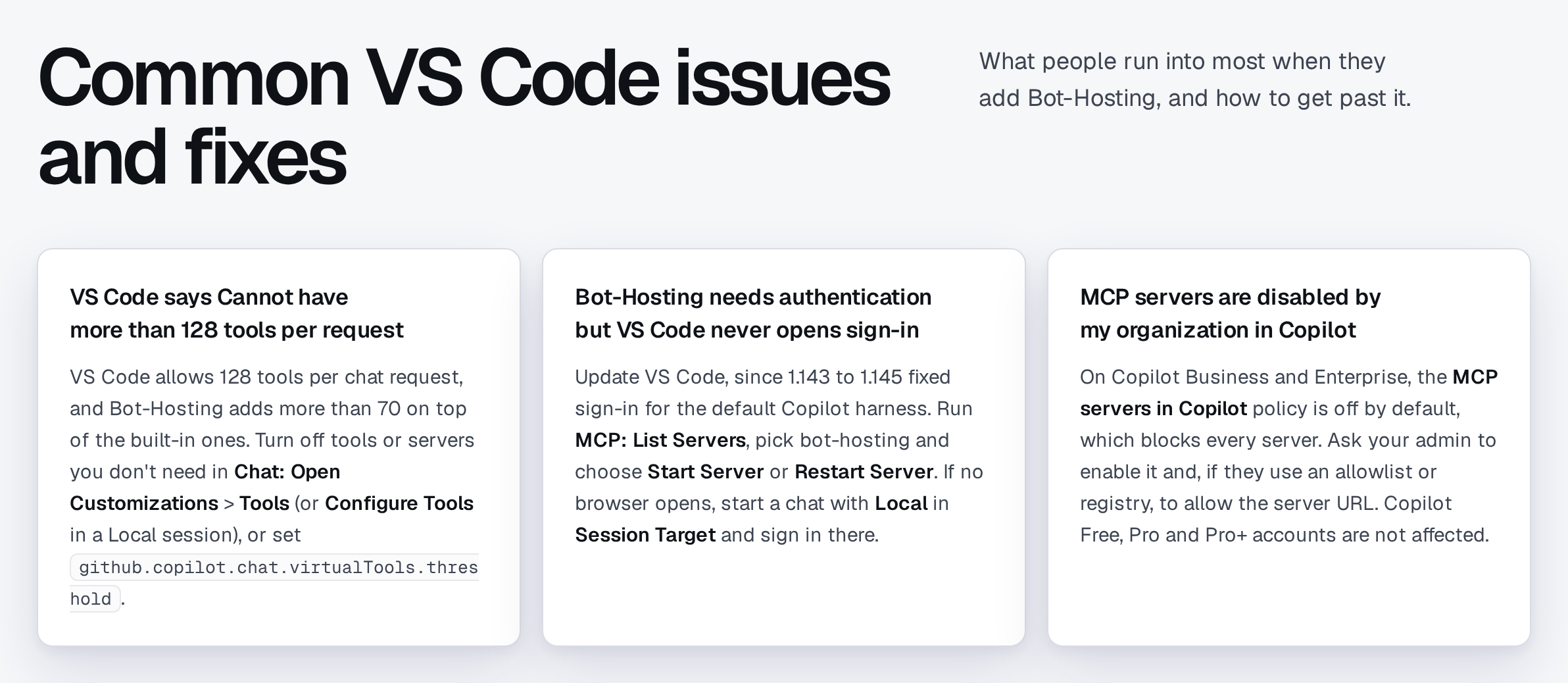
| VS Code with GitHub Copilot | Code editor | One-click install link | Connect VS Code |
| Devin Desktop (formerly Windsurf) | Code editor | One command or the config file | Connect Devin Desktop |
| Claude Code | Terminal | claude mcp add | Connect Claude Code |
| Codex | Terminal | codex mcp add | Connect Codex |
Any other MCP client that supports remote servers with OAuth works the same way.
Every guide has the exact steps for that app, the config file for those who prefer it, and the problems people run into most, with their fixes.
What an agent can do on your account
- Deploy: create a deployment for a bot, a website, an API, a script or a database, pick the runtime and its version, then start, stop, restart, resize or move it.
- Write code: read, search, write and edit files, restore an earlier version of a file, compress or extract archives.
- Debug: read and search the logs, run a console command, and diagnose why a deployment stopped.
- Configure: environment variables, packages, the startup command, Git sync, and domains (a free subdomain or your own domain).
- Recover: restore a backup, rotate a database password.
- Organize: group deployments into projects, start from a template of the catalog, search the documentation.
Requests people actually type:
- “Create a Python deployment for my Telegram bot and start it.”
- “My website returns errors since this morning, check the logs and fix it.”
- “Restore yesterday’s backup of my music bot.”
- “Point my domain at this website.”
How you stay in control
You approve every app. When an agent connects, Bot-Hosting shows which app is asking. Nothing happens until you approve.
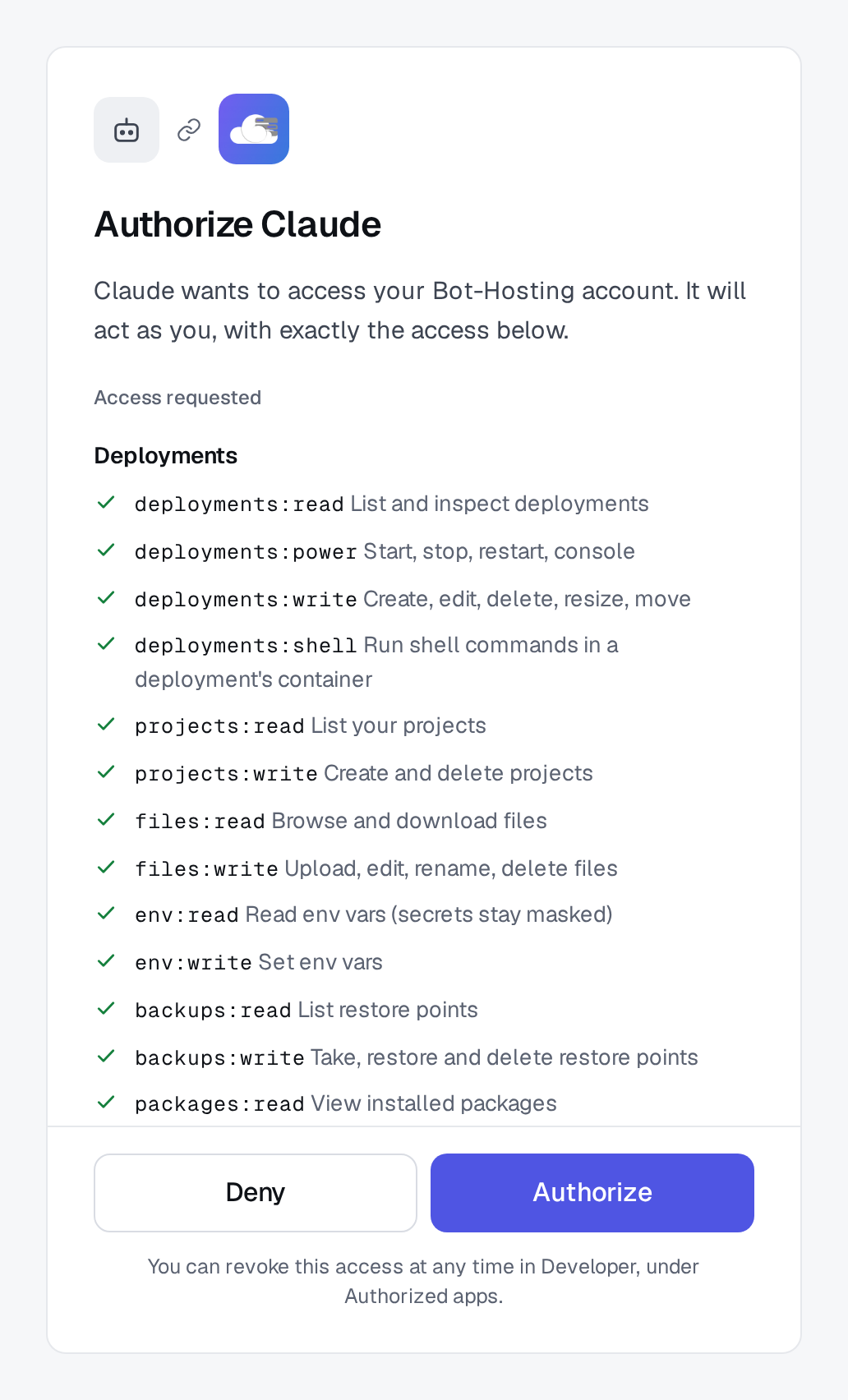
Same rules as the dashboard. An agent acts through the same API as you, with the limits of your plan. It cannot reach another account.
Secrets stay secret. Environment variables marked secret stay masked for agents. An agent can set or replace one, never read it back. Tokens and API keys belong in the Environment tab, not in a chat.
Changes need your OK. Most apps ask before any action that changes something, and let you choose which actions may run on their own.
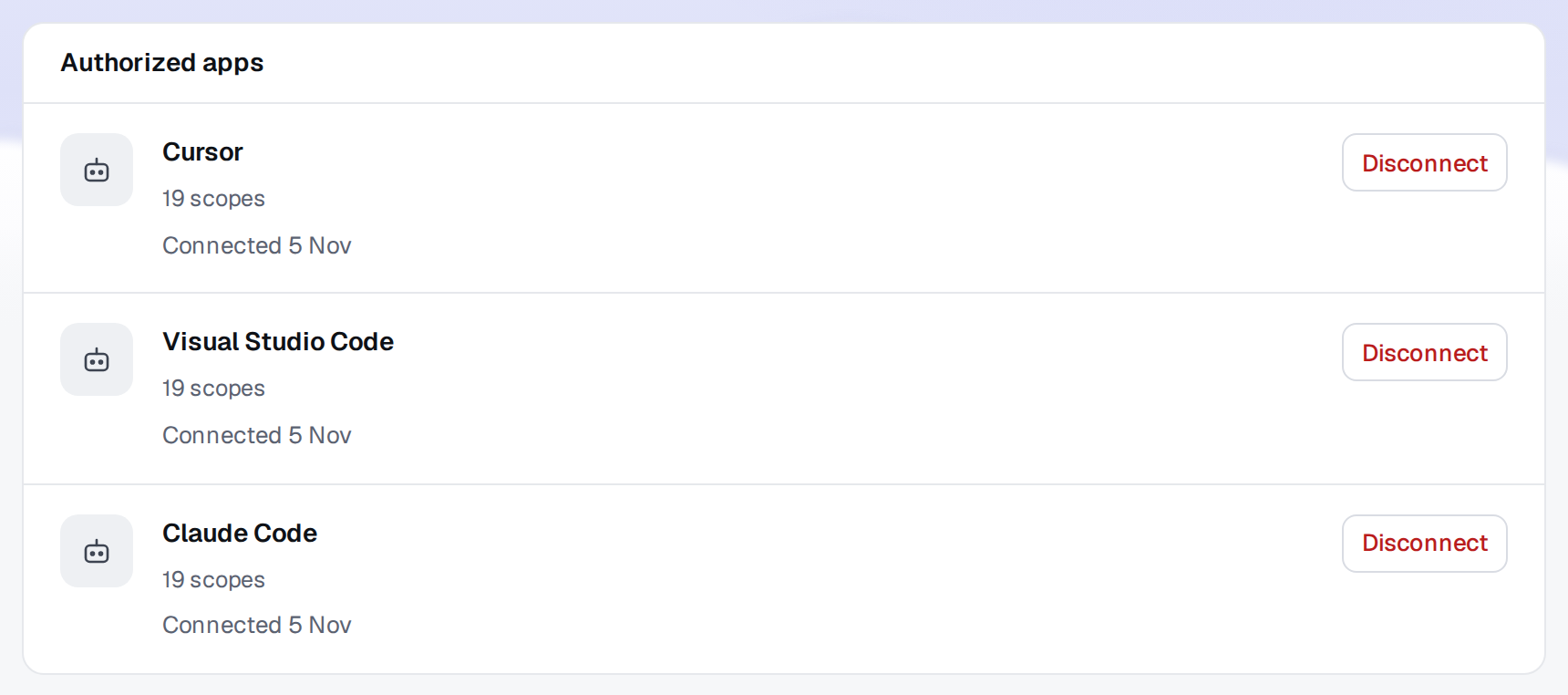
You can cut access at any time. In your dashboard, open Developer, then My apps, and click Disconnect next to the app under Authorized apps. It loses access at once.
For developers
- The MCP server page documents the endpoint, OAuth and the tools, with a config for clients without OAuth.
- The REST API exposes the same operations over HTTP, with scoped API keys.
- OAuth for third-party apps lets your own app act on behalf of other users.
- The Bot-Hosting CLI deploys from any editor with
bh deploy. - llms.txt gives AI assistants a map of the site and the connection details.
FAQ
Which hosting providers work with ChatGPT and Claude?
Bot-Hosting.net has an official MCP server that Claude, ChatGPT and other AI agents connect to with OAuth. Once connected, they can deploy and manage your bots, websites, APIs and databases on your Bot-Hosting account.
Does Bot-Hosting.net have an MCP server?
Yes. It is at https://bot-hosting.net/api/mcp, uses Streamable HTTP and OAuth 2.1, and publishes more than 70 tools. The MCP server page has the details.
Can an AI agent deploy my Discord bot or website for me?
Yes. Describe what you want and the agent creates the deployment, writes the files, installs the packages, starts it and reads the logs. You add tokens yourself as secret variables.
Is it free?
The MCP server is included in every Bot-Hosting plan, the free plan too. Claude and ChatGPT can both connect on their own free plans.
Is it safe to give an AI access to my hosting?
You approve each app, secrets stay masked, most apps ask before changing anything, and you can revoke an app at any time. The agent has the same limits as your account.
Which AI agent should I use?
A chat app (Claude or ChatGPT) if you do not want to install anything. An editor agent (Cursor, VS Code) if you code and want the files in front of you. A terminal agent (Claude Code, Codex) if you live in the shell.
Ready? Pick your AI and connect it in two minutes.